Home / Configuration Reference / Section: Contacts / Zip Codes
Zip Codes
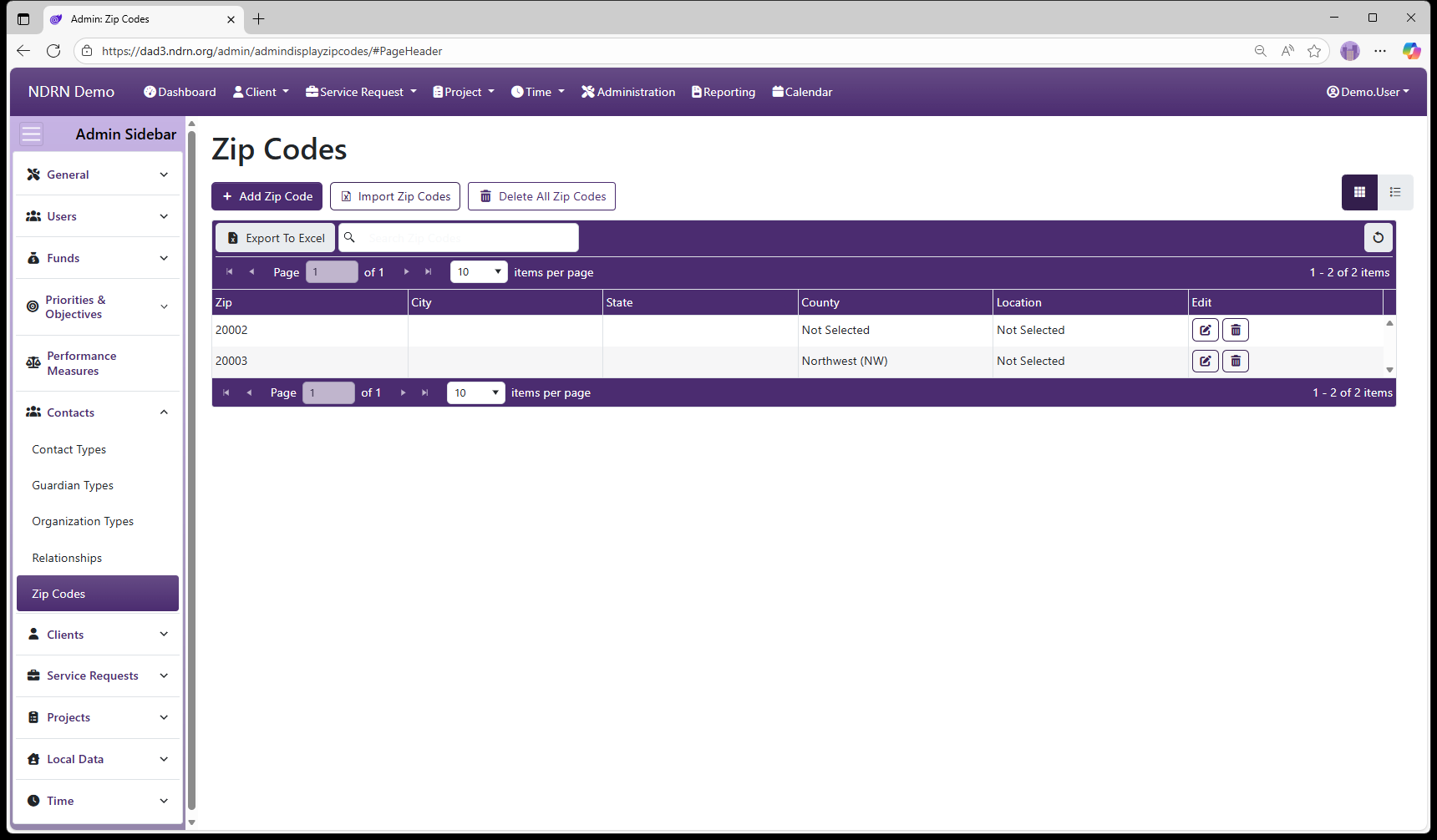
Page Type: Table with Import option (URL: https://dad3.ndrn.org/admin/admindisplayzipcodes)
Zip Code settings are used with the Lookup City/State function to auto-populate City, State, County and Location information in Client and Contact records. Agencies can import multiple entries into this table using the Import Zip Codes function.
If a user looks up a zip code that matches more than one entry in this table (i.e. two or more cities fall under a single zip code), an additional dialog will appear prompting the user to select the correct city.
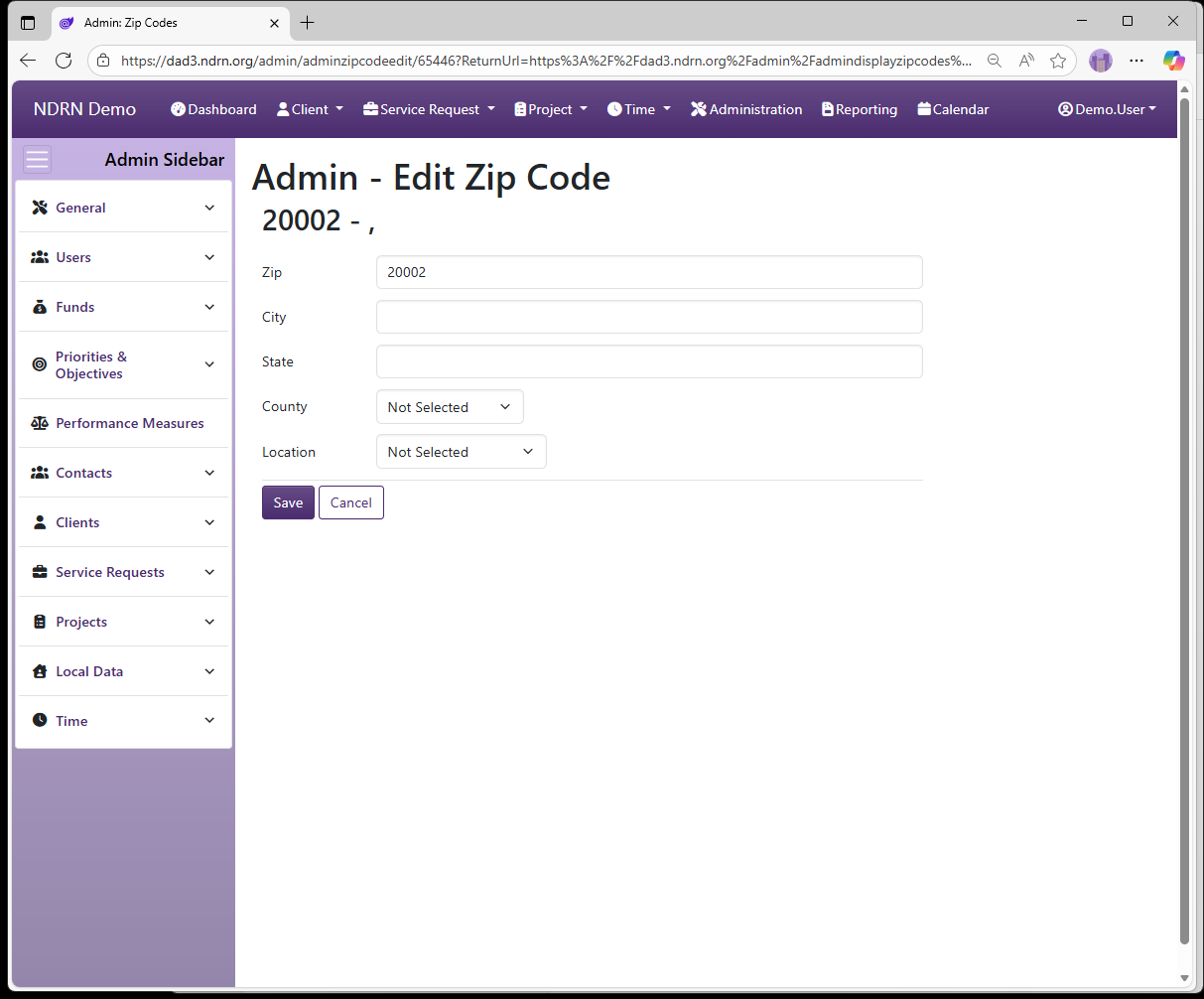
Zip Codes Form
Fields: Zip, City, State, County (dropdown), Location (dropdown)
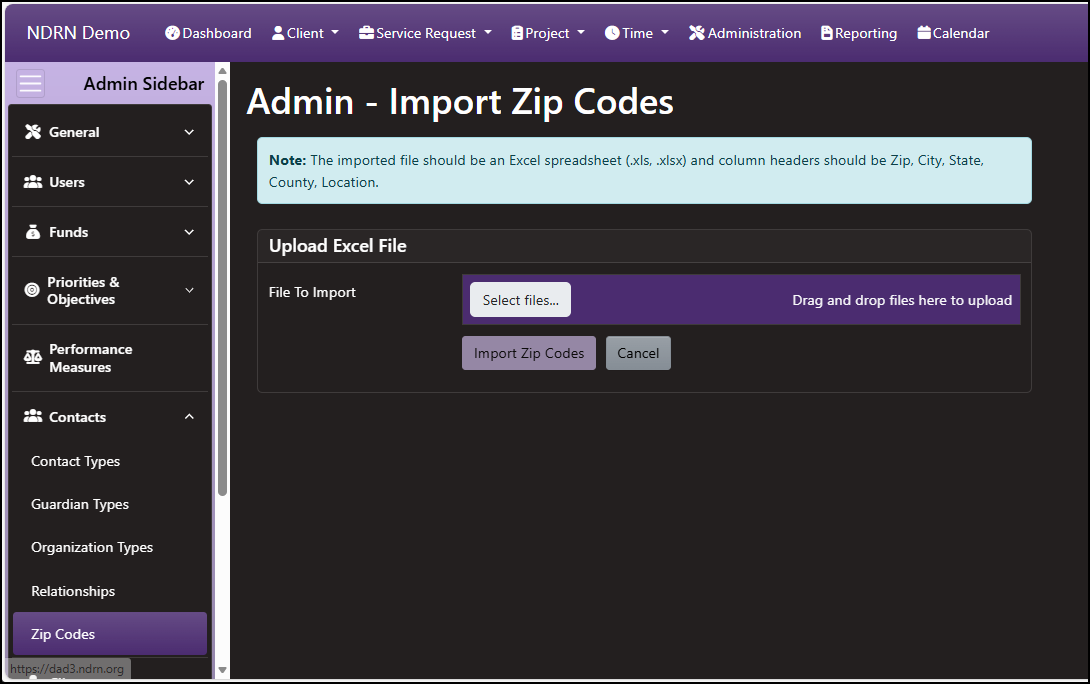
Zip Codes Import Form
Note: The imported file should be an Excel spreadsheet (.xls, .xlsx) and column headers must be Zip, City, State, County, Location.