Home / Configuration Reference / Section: General / Email Notifications
Email Notifications
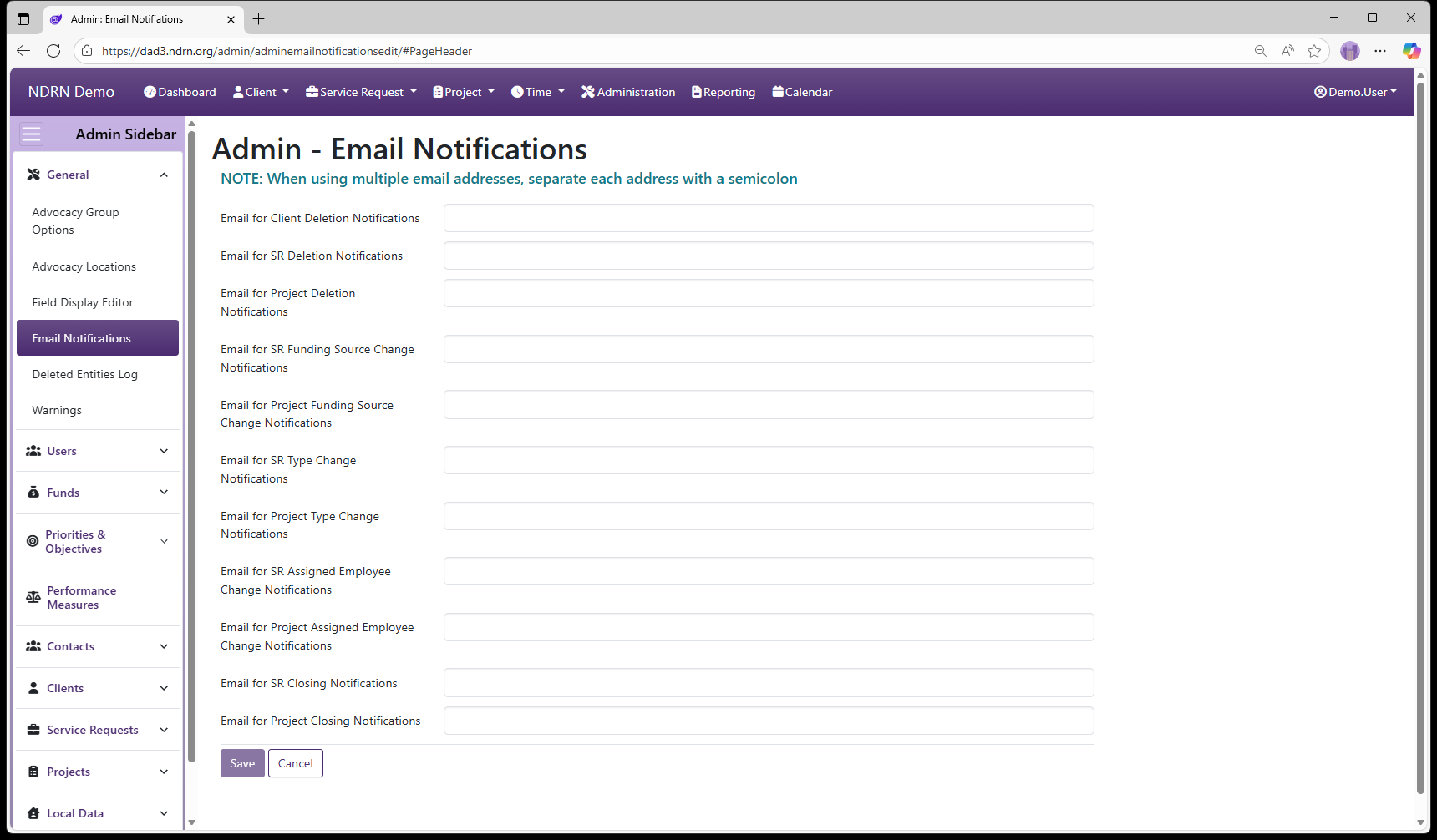
Page Type: Settings Form (URL: https://dad3.ndrn.org/admin/adminemailnotificationsedit)
Note: Use this section to specify recipients of automatic emails triggered by various events. These emails offer a way to track certain types of events and changes systemwide.
The email notifications in this section are distinct from emails generated through the supervisor review, timesheet approval, and automated appointment functions. [insert links for other types]
When entering multiple email addresses for a single item, separate each address with a semicolon. The following events can trigger email notifications:
When a record is deleted
IMPORTANT: Email Notifications are sent for DAD 2 deletions only! DAD 3 record deletions are recorded in the Deleted Entities Log.
- Email for Client Deletion Notifications
- Email for SR Deletion Notifications
- Email for Project Deletion Notifications
When a funding source is changed
- Email for SR Funding Source Change Notifications
- Email for Project Funding Source Change Notifications
When an SR Type or Project Type is changed
- Email for SR Type Change Notifications
- Email for Project Type Change Notifications
When a User Assignment is changed
- Email for SR Assigned Employee Change Notifications
- Email for Project Assigned Employee Change Notifications
When a Service Request or Project is closed
- Email for SR Closing Notifications
- Email for Project Closing Notifications
← Previous: Field Display Editor | Next: Deleted Entities Log →