Home / Configuration Reference / Section: General / Warnings
Warnings
Page Type: Table (URL: https://dad3.ndrn.org/admin/adminmain)
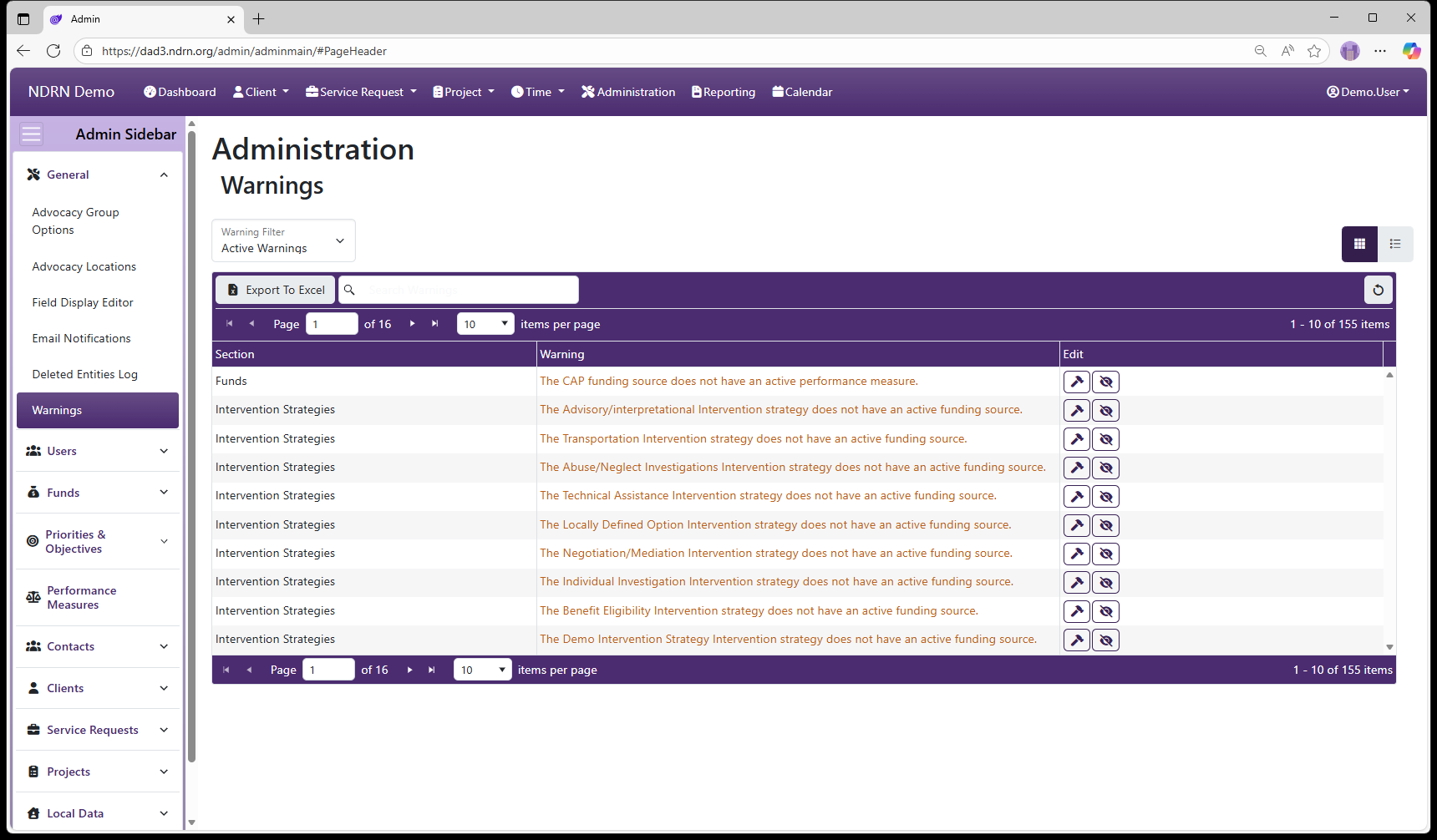
A warning appears on this table whenever a federal mapping option exists that does not have a corresponding option mapped to it in the Administration setup. Not all warnings necessarily indicate a setup issue, as some federal mappings have become unnecessary in current federal reporting but must remain in the system to accommodate variations in setup.
You can hide irrelevant warnings by clicking the “Ignore Warning” button next to the entry.
If you determine that a warning is relevant, click the “Fix Warning” button to be taken to the Administration settings page where the item needs to be added and/or mapped.