Home / Configuration Reference / Section: Projects / Change Project Reference Dates
Change Project Reference Dates
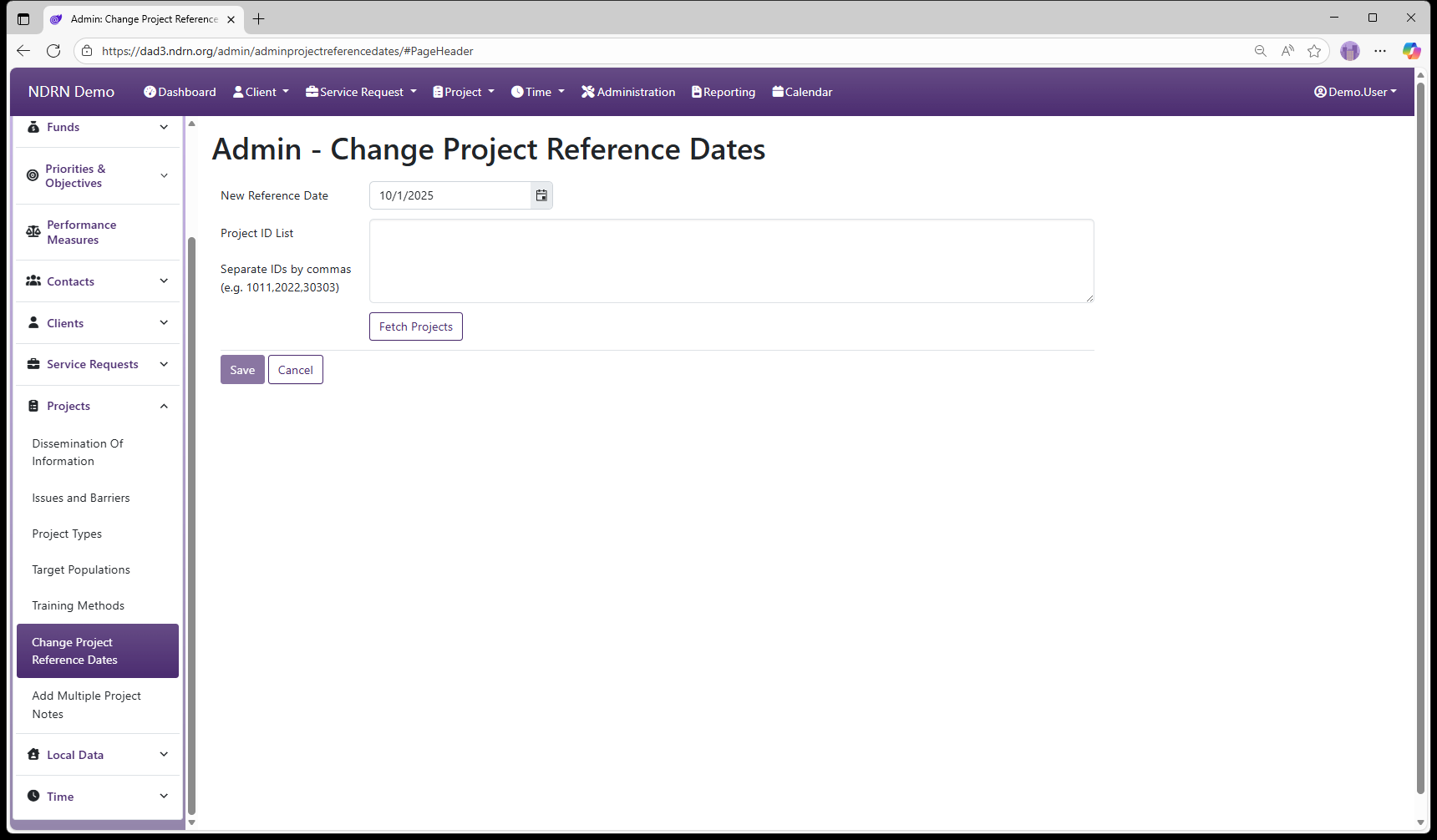
This utility changes the Reference Date on multiple Project records in a single action. Projects are specified by a comma-separated list of Project IDs.
The Reference Date in a record is used to determine which options should be displayed in each Dropdown field. When a record is created, its Reference Date is set to Creation Date (Client) or Date Opened (SR, Project).
Only options that are Active on the Reference Date of a record will display.
← Previous: Training Methods | Next: Add Multiple Project Notes →