Home / Configuration Reference / Section: General / Advocacy Locations
Advocacy Locations
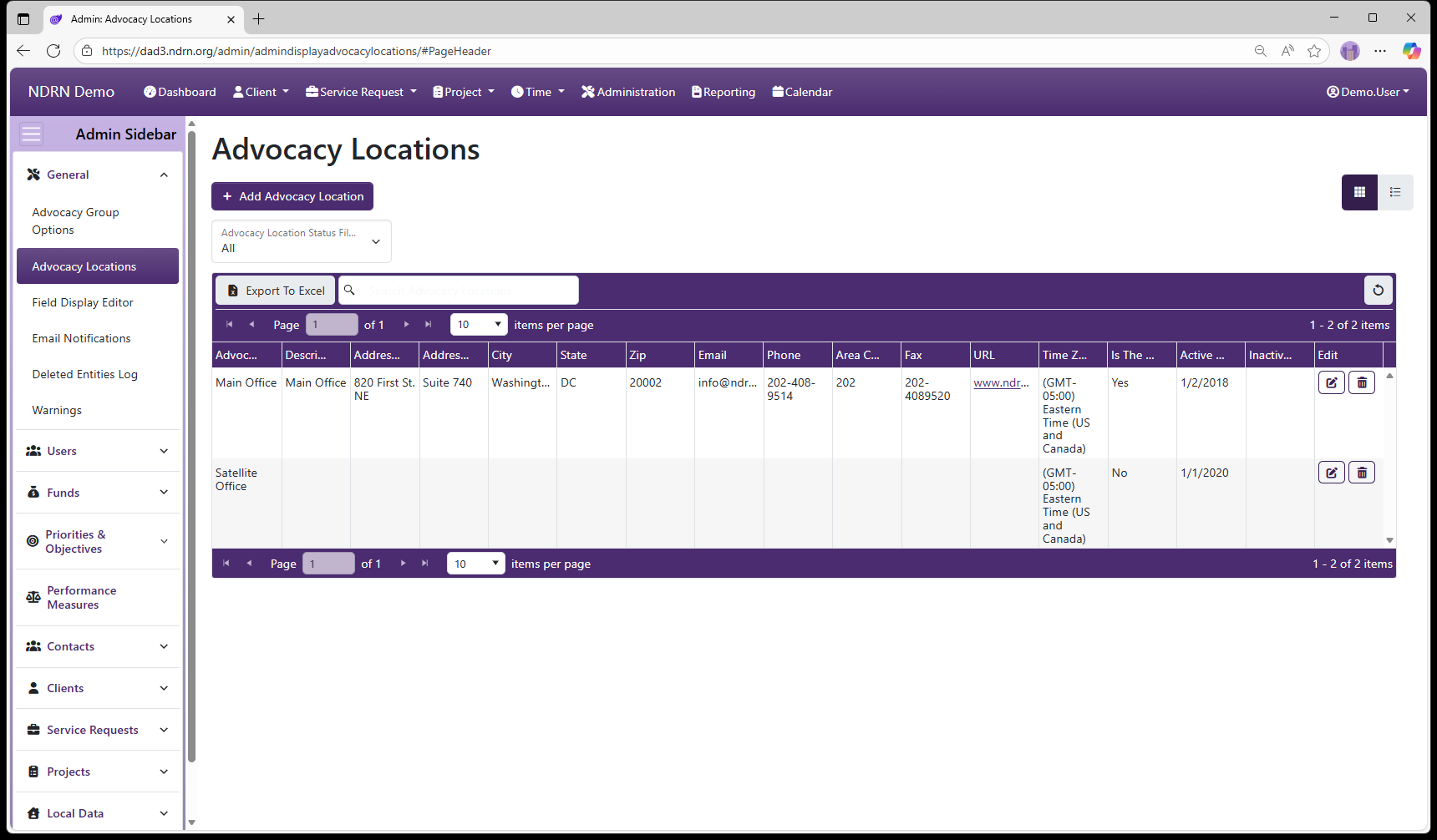
Page Type: Table (URL: https://dad3.ndrn.org/admin/admindisplayadvocacylocations)
Active Advocacy Locations will appear as selections on the User form Advocacy Location dropdown field.
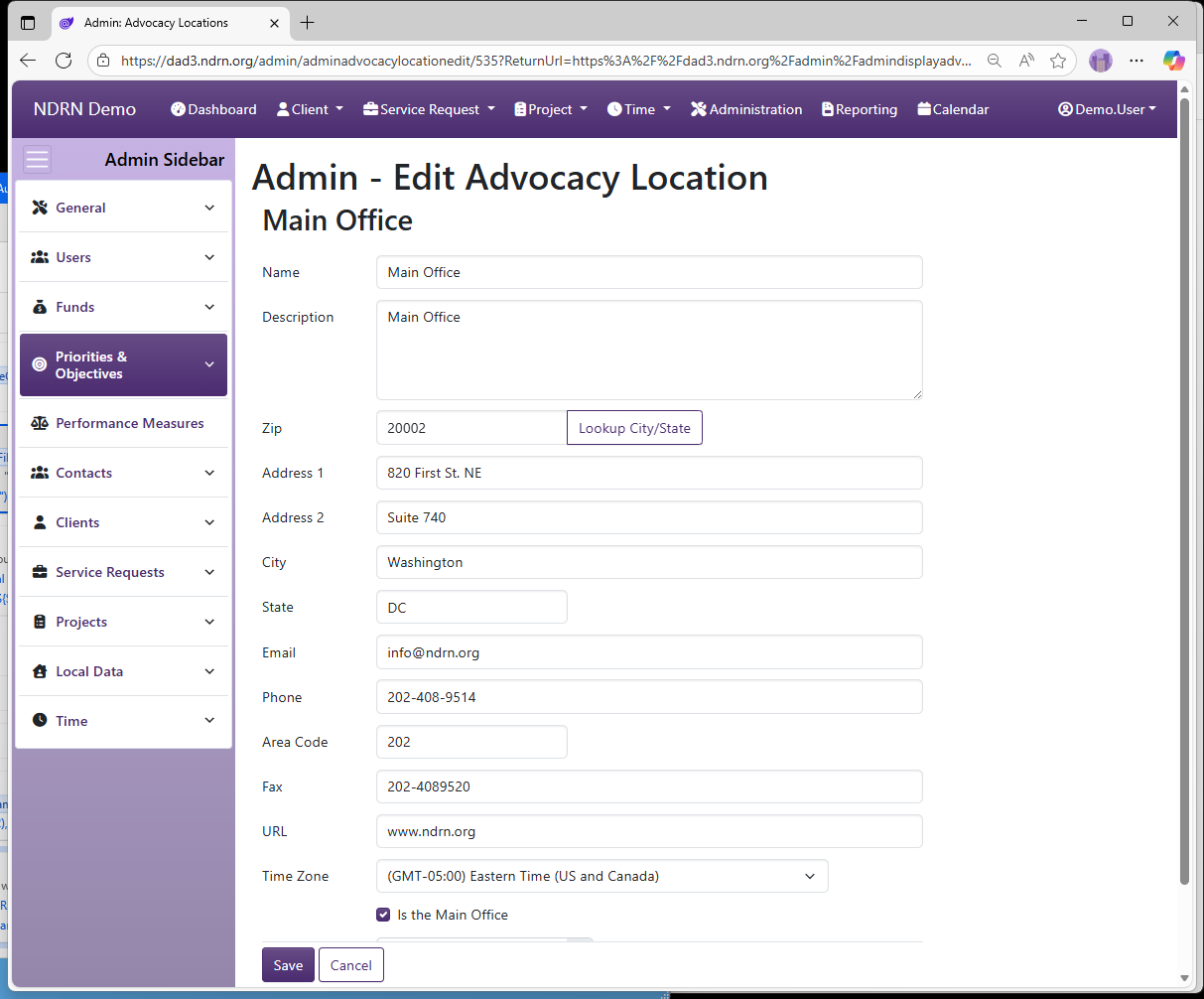
Advocacy Location records contain the following fields:
- Name
- Description
- Address 1
- Address 2
- City
- State
- Zip
- URL
- Phone
- Fax
- Area Code
- Time Zone (dropdown selection)
- Is the Main Office (checkbox)
- Active Date
- Inactive Date
To remove an existing Advocacy Location from the Active list, edit the record and enter an Inactive Date.
Advocacy Locations Form
← Previous: Advocacy Group Options | Next: Field Display Editor →