Home / Configuration Reference / Section: Users / Security Groups
Security Groups
Page Type: Table (URL: https://dad3.ndrn.org/admin/admindisplaysecuritygroups)
Associated Record Type: Users
See Appendix A: Permissions Reference for a complete list of DAD permissions.
Security groups are used to manage user access by grouping permissions together. Each security group is configured with a specific set of permissions that define what actions members of that group are allowed to perform. Instead of assigning permissions individually to each user, administrators add users to one or more security groups, and the users automatically inherit the permissions associated with those groups.
Permissions are additive, meaning a user’s effective access is the combined total of all permissions granted by every security group they belong to. If a user is a member of multiple security groups, they receive all permissions from each group—nothing is overridden or taken away by belonging to another group.
For example, if one group allows viewing records and another allows editing data, a user who belongs to both groups can both view records and edit data.
One Security Group should be mapped to Administrators, and one Security Group should be mapped to All Users. All other Security Groups should be mapped to the General Mapped Security Group.
For DAD to function correctly, ALL users must be be added to the All Users Security Group.
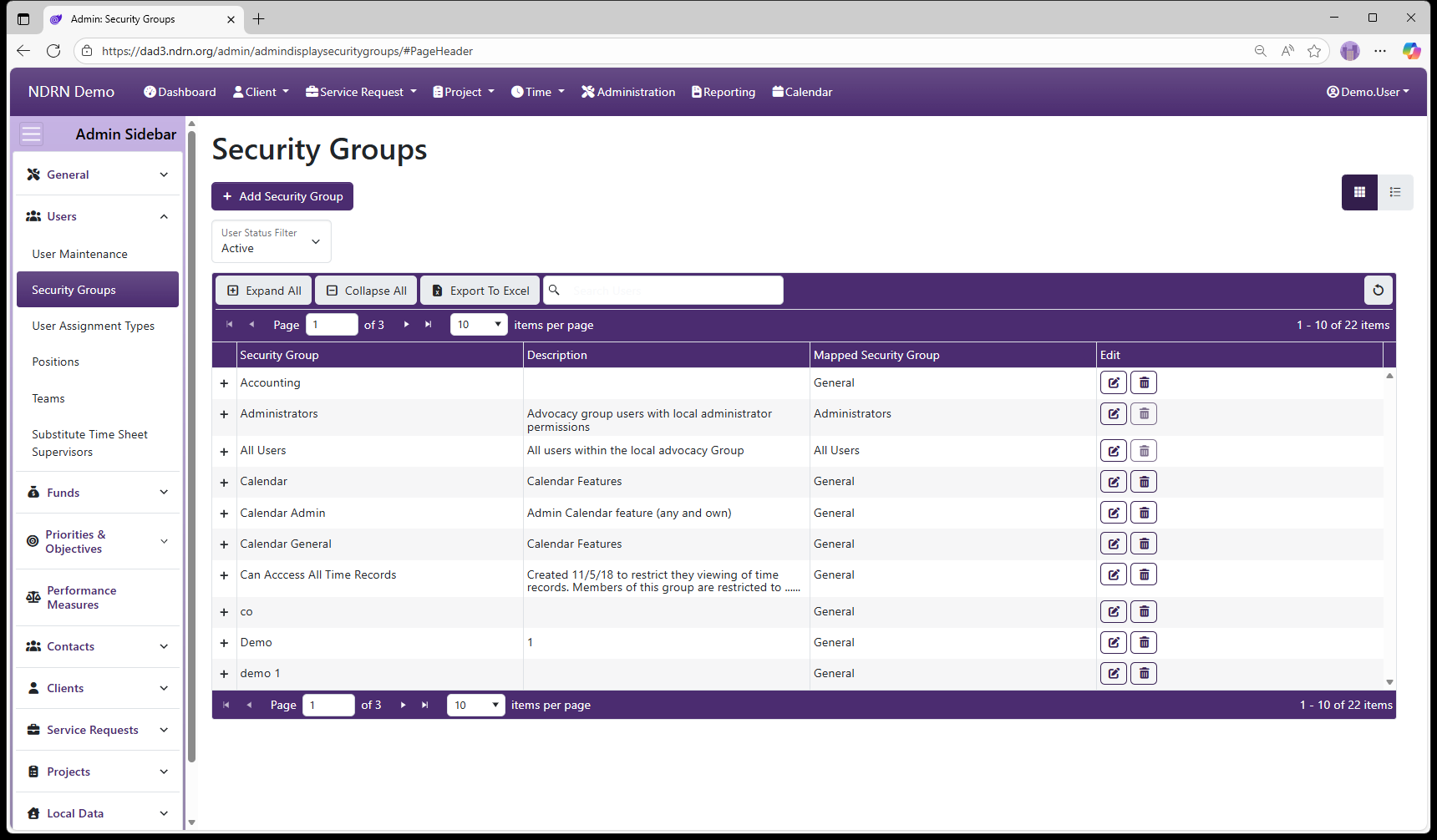
Security Groups Form
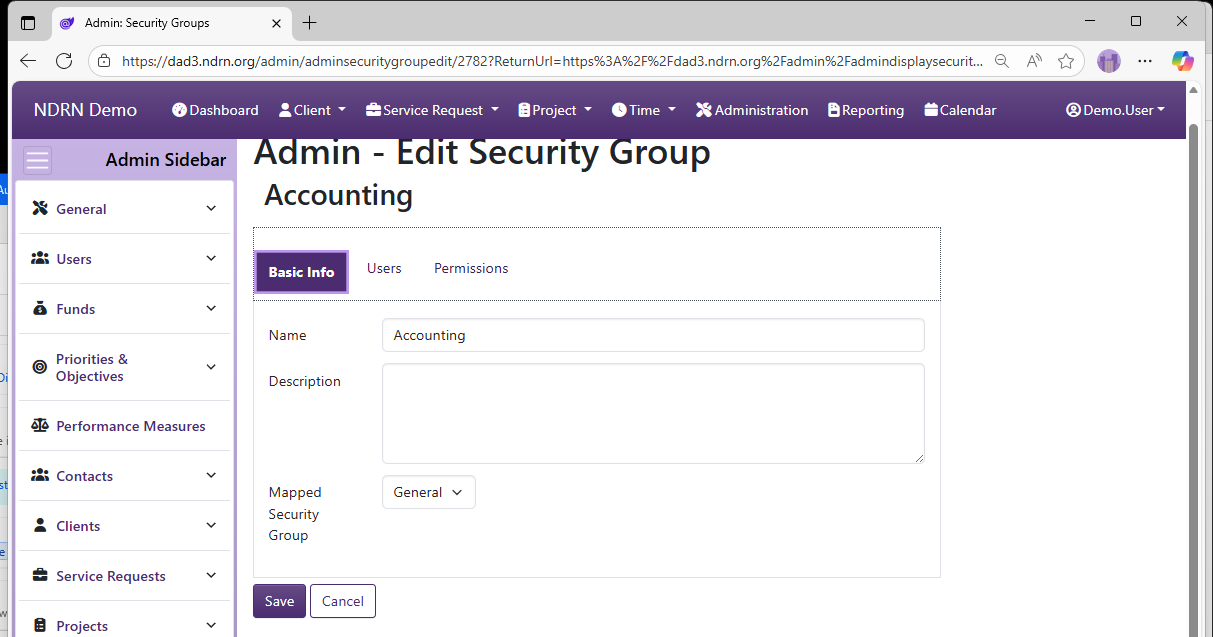
Basic Info Tab
Enter the name, description and mapping of the Security Group.
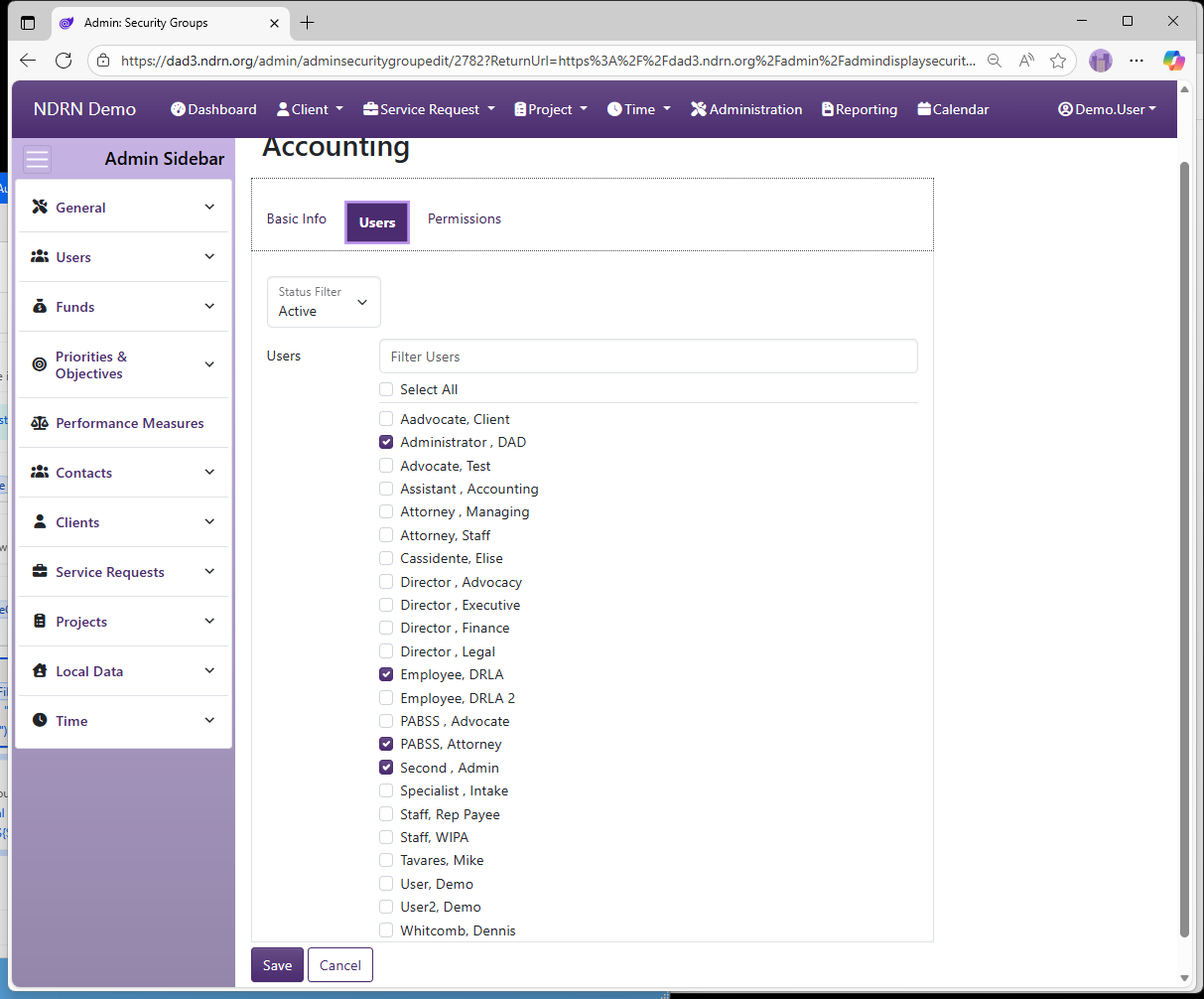
Users Tab
Select the users in this Security Group.
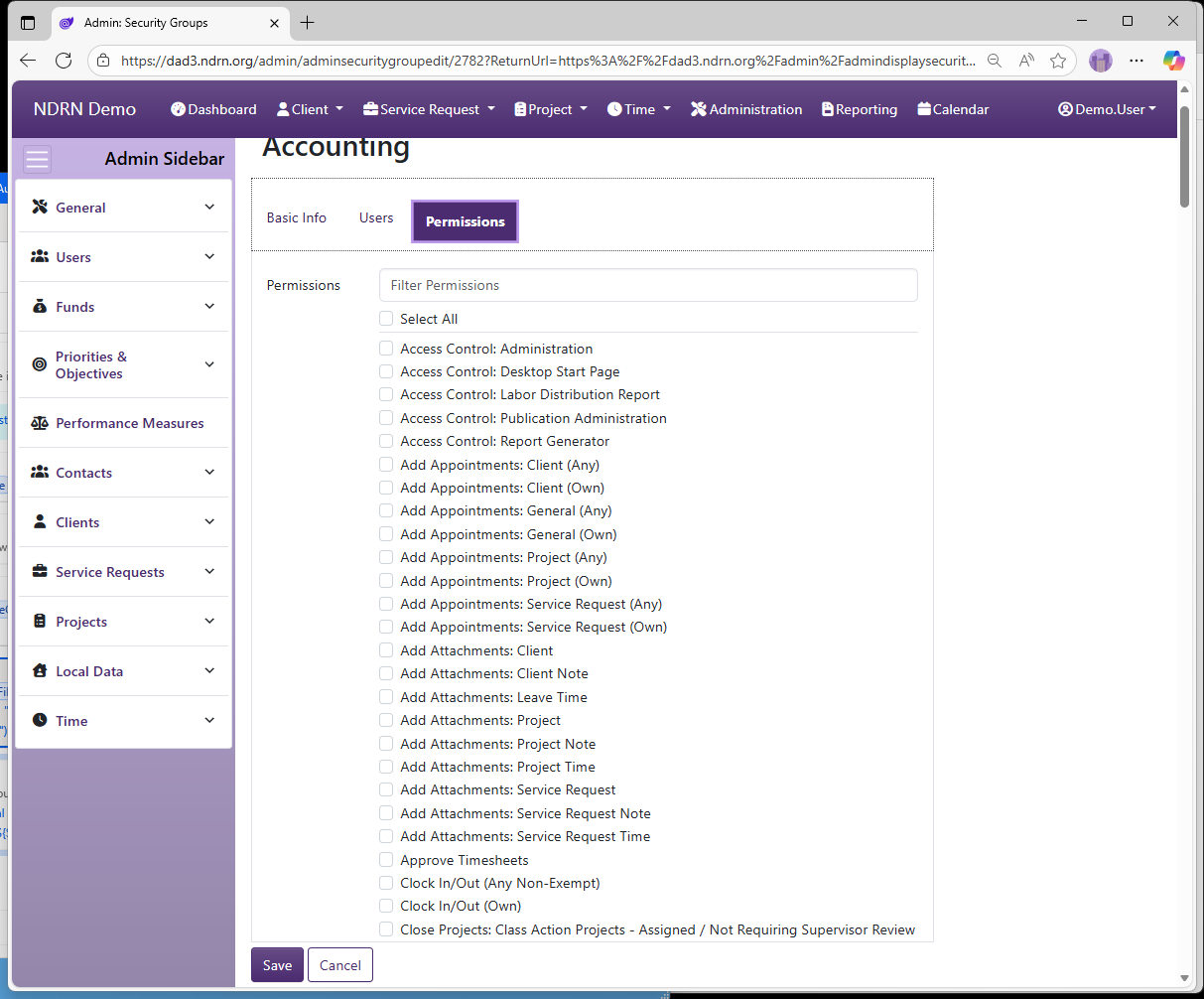
Permissions Tab
Select the permissions to grant users in this Security Group.
See Appendix A: Permissions Reference for a complete list of DAD permissions.
← Previous: User Maintenance | Next: User Assignment Types →