Home / Configuration Reference / Section: Priorities & Objectives / Priorities / Objectives
Priorities / Objectives
Page Type: Table (URL: https://dad3.ndrn.org/admin/admindisplaypriorityobjectives)
Associated Record Types: Funding Sources (Funds), Actions, Service Request Types (Service Requests), Project Types (Projects)
Priorities and Objectives are agency-defined options used to catgerorize service requests and projects for federal reporting purposes. Most of the federal funding sources require agencies to set Priorities and Objectives (called "Goals and Priorities" in the OnePPR). When agencies change their Priorities and Objectives, these changes in DAD are made effective as of October 1 of the new fiscal year.
Each Priority (Goal in the OnePPR) can have one of more Objectives (Priorities in the OnePPR) associated with it (similar to Problem/Subproblem pairs). Each Priority/Objective pair is associated with Funding Sources, Service Request Types, Project Types, and Actions (used in Timekeeping).
When a Priority has multiple Objectives, it should also be associated with the default Objective (e.g. Not Selected). This allows the Objective dropdown selection to function correctly.
Use caution in updating Priorities and Objectives to avoid creating validation warnings or errors on older records. In most cases, you should avoid removing any associations that has been in use. Instead, enter a September 30 Inactive Date for selections no longer in use, and create new selections with an Active Date of October 1.
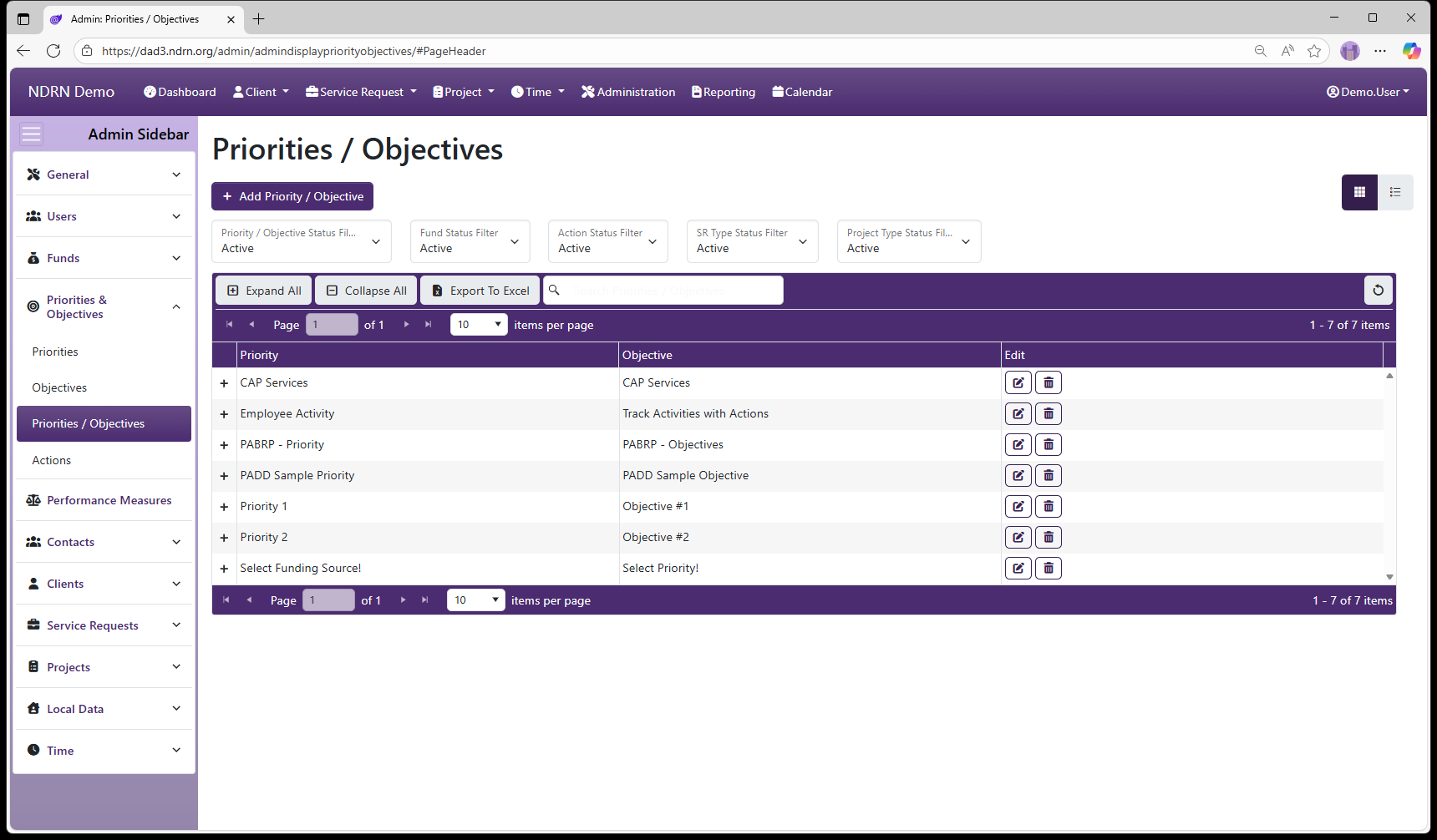
Priorities / Objectives Form
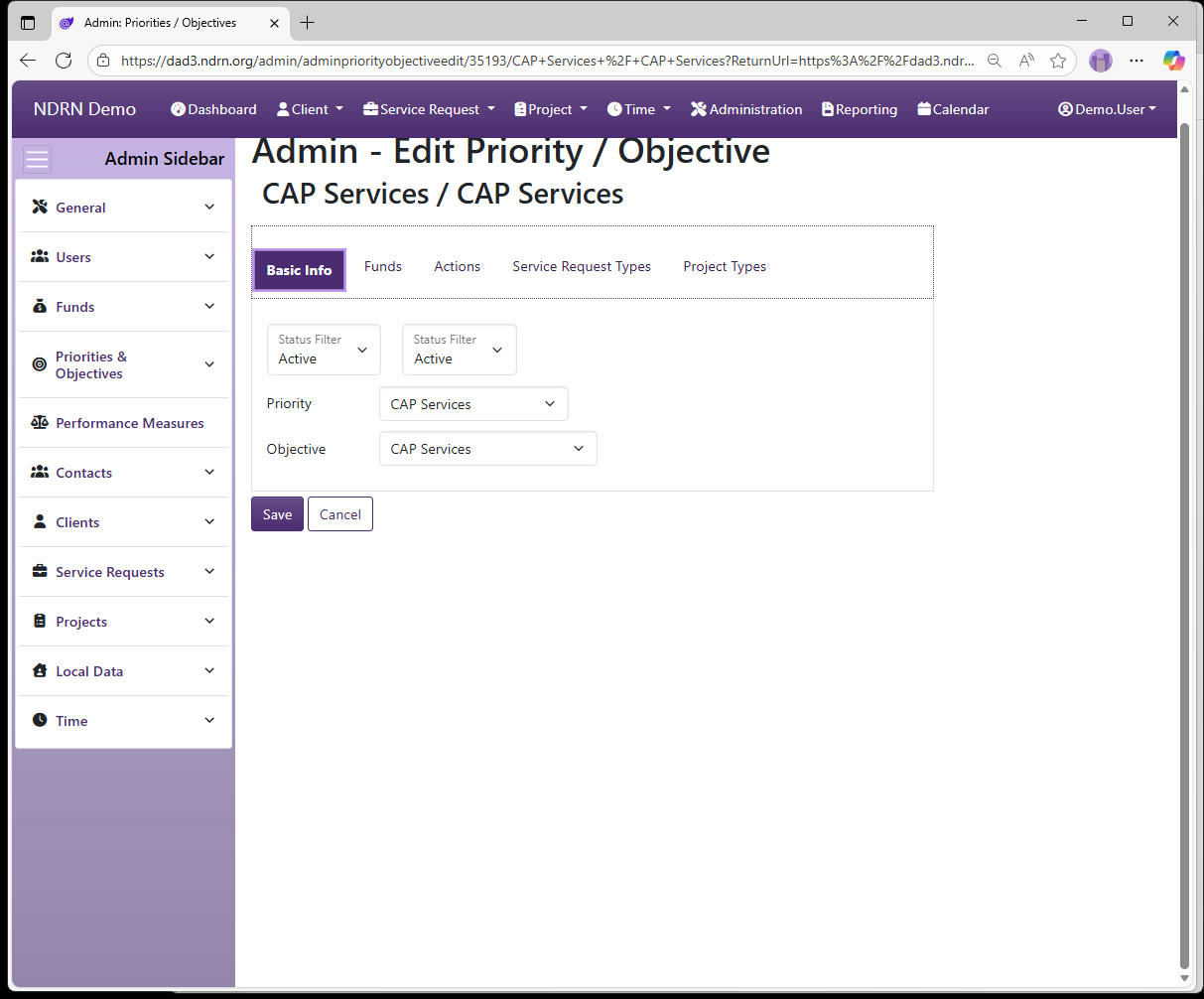
Basic Info Tab
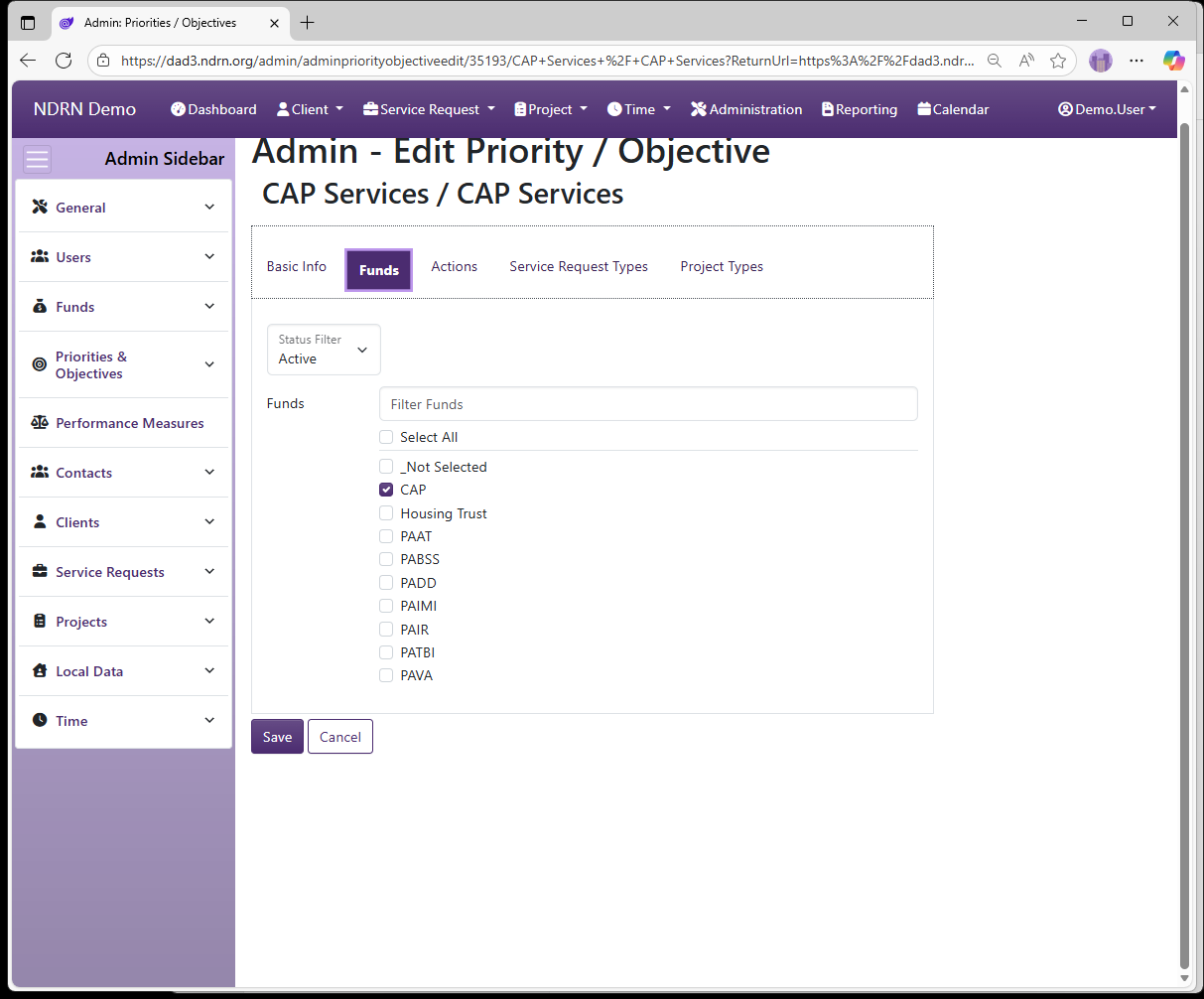
Funds Tab
Select Funding Sources for the Priority/Objective pair.
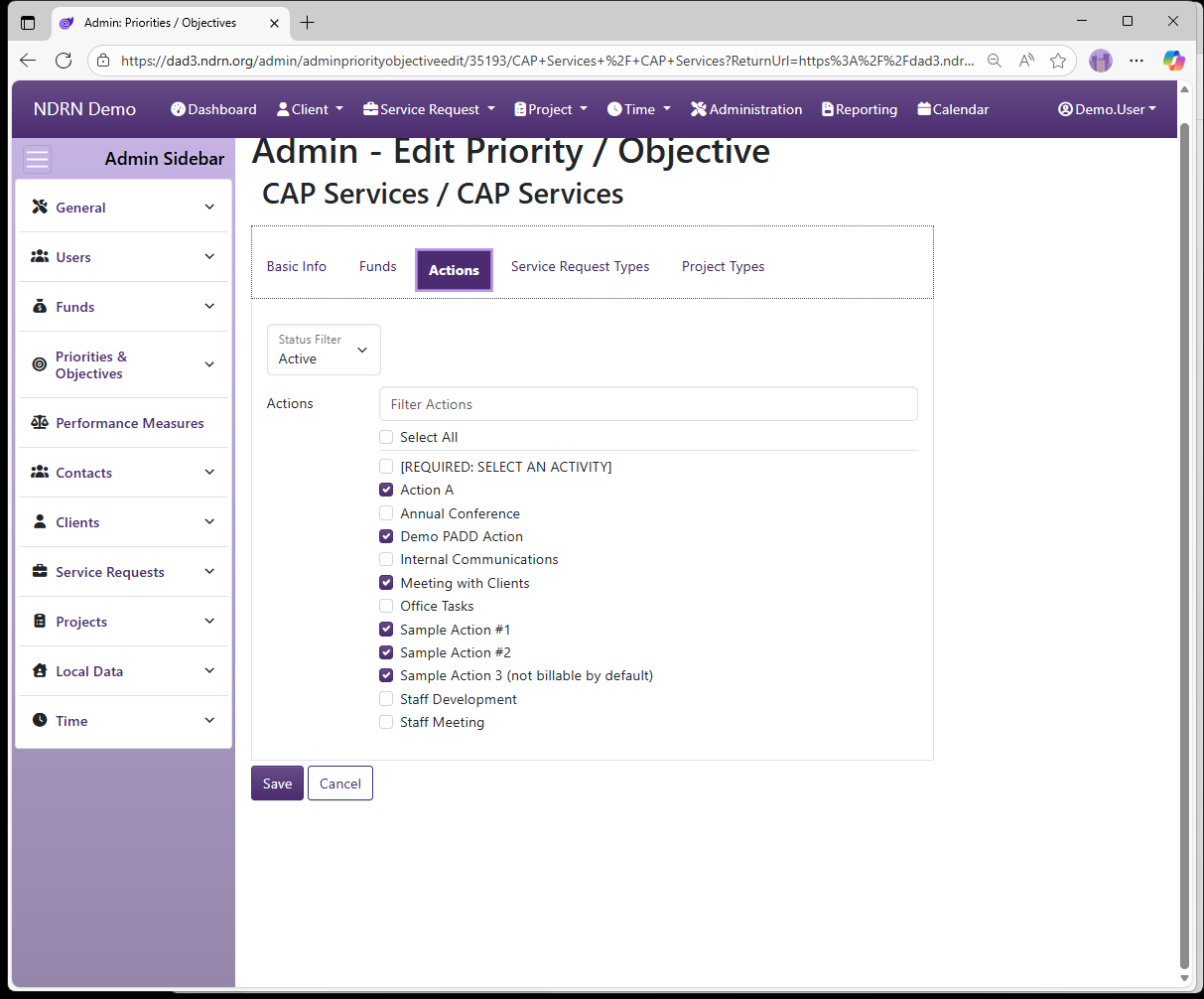
Actions Tab
Select Actions for the Priority/Objective pair. Assocaited Actions will be available in the Timemekeeping Record Time formr for records using this Priority/Objective.
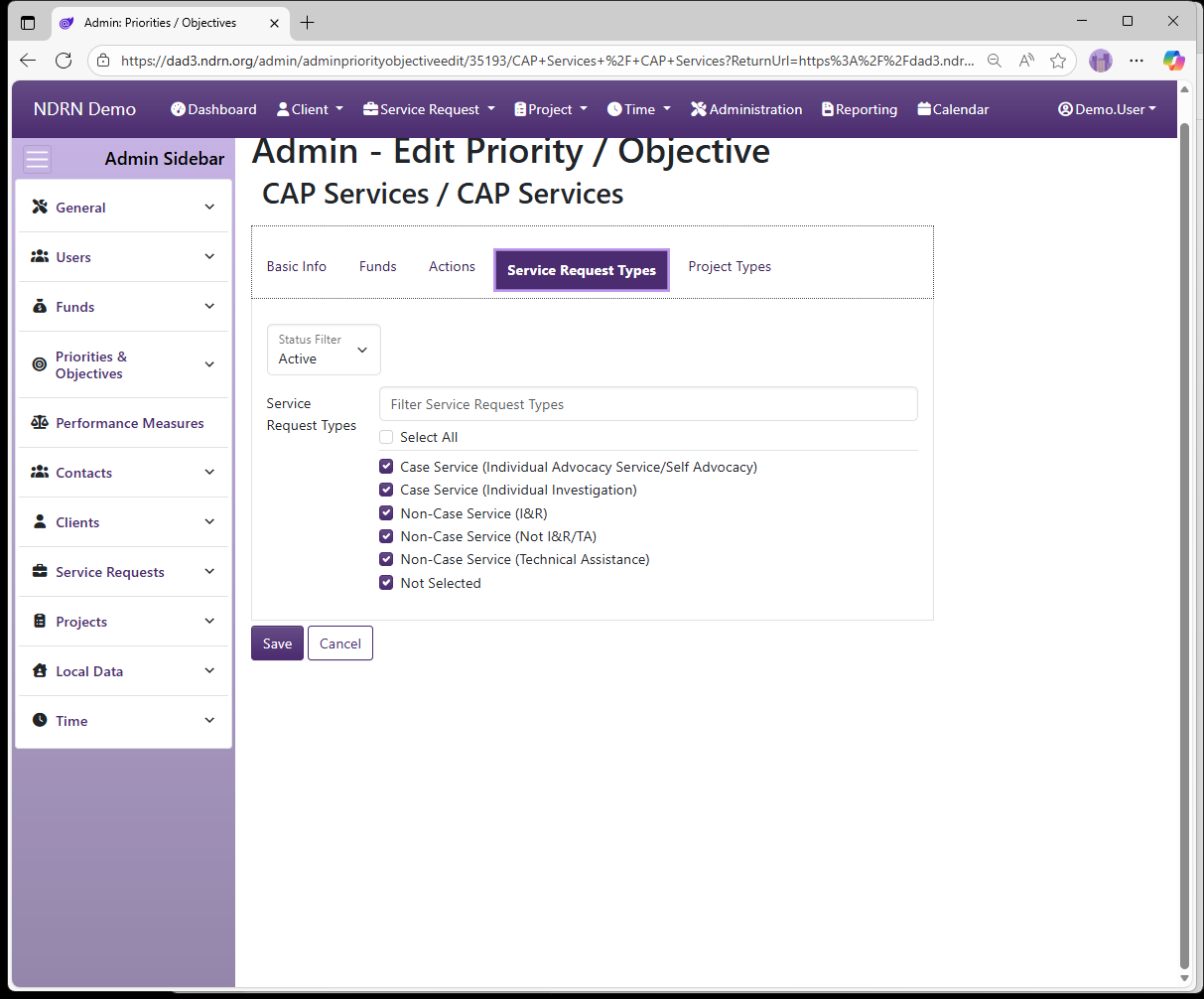
Service Request Types Tab
Select Service Request Types for the Priority/Objective pair.
Project Types Tab
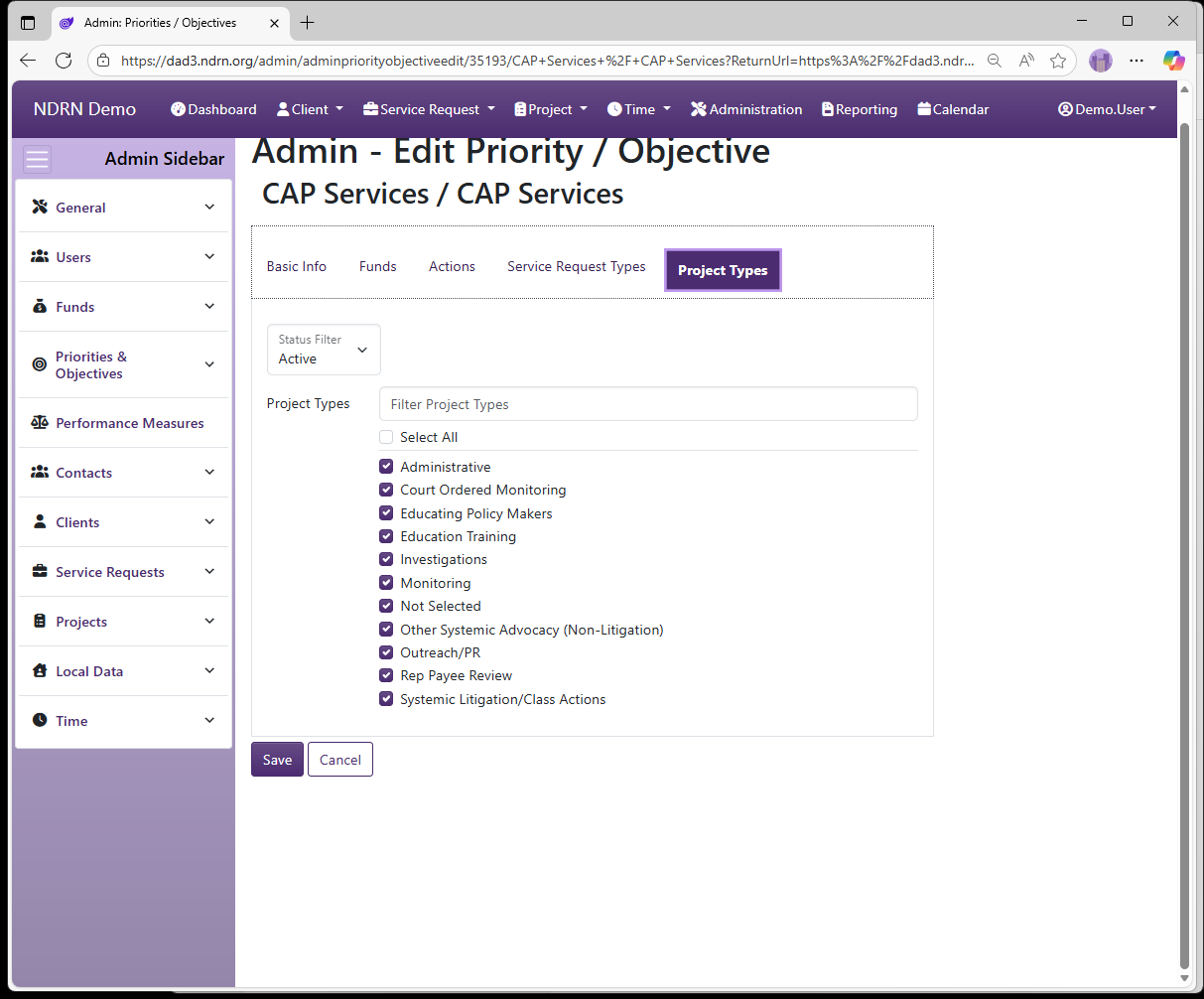
Select Project Types for the Priority/Objective pair.