Home / Configuration Reference / Section: Funds / Funding Sources
Funding Sources
Page Type: Table (URL: https://dad3.ndrn.org/admin/admindisplayadvfunds)
Associated Field Types
- Collaborations
- Disabilities
- Ethnicities
- Intervention Strategies
- Living Arrangements
- Problems/Subproblems
- Races
- Reasons for Closing
- Priorities / Objectives
- Performance Measures
- Local Data Fields
- AT Device Types (funds mapped to PAAT only)
About Funding Sources
In DAD 3, the configuration settings for a funding source can be viewed and edited in a single form. Each form tab contains associations for each record type.
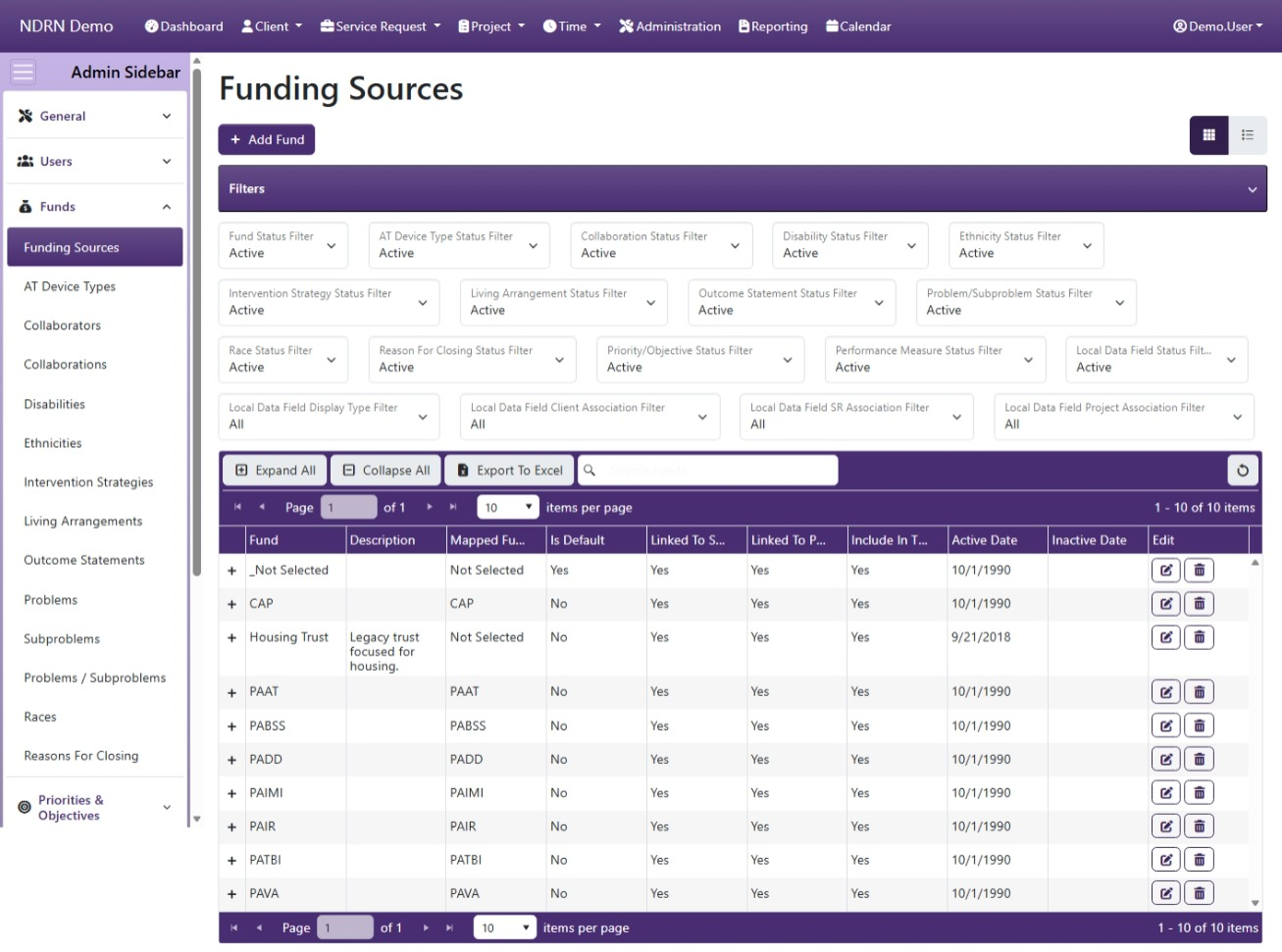
By default, only active associations/options are displayed in the Funding Sources table. The section of Filters above the table can be modified to show Inactive or All options for each assocatied field. To hide (collapse) the Filters section from your display, click the "Filters" heading.
The basic settings for each funding source are displayed by default in the Funding Sources table. An expanded entry (viewed by clicking the "+" icon next to an entry or clicking "Expand All") reveals cards that list the options for each associated field.
Use caution when editing associations. To avoid creating end user validation errors and warnings, you should not unassociate options that have been used in existing records; instead you should make obsolete options inactive by entering an Inactive Date equal to the end of the prior reporting period.
Funding Sources Form
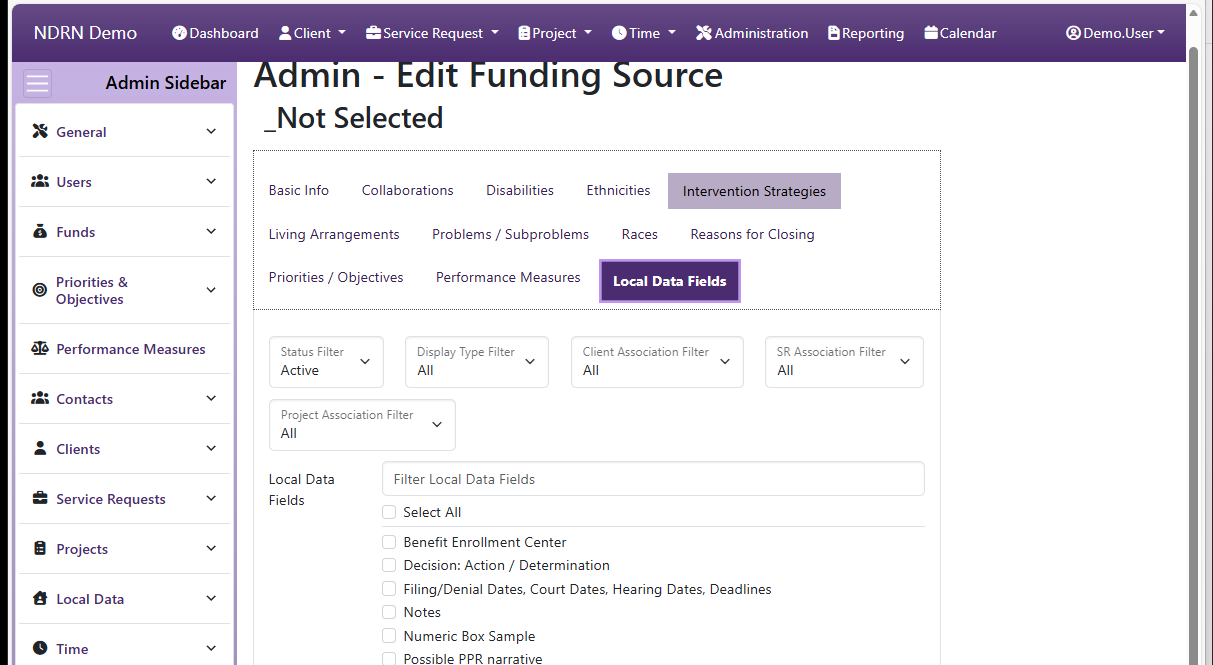
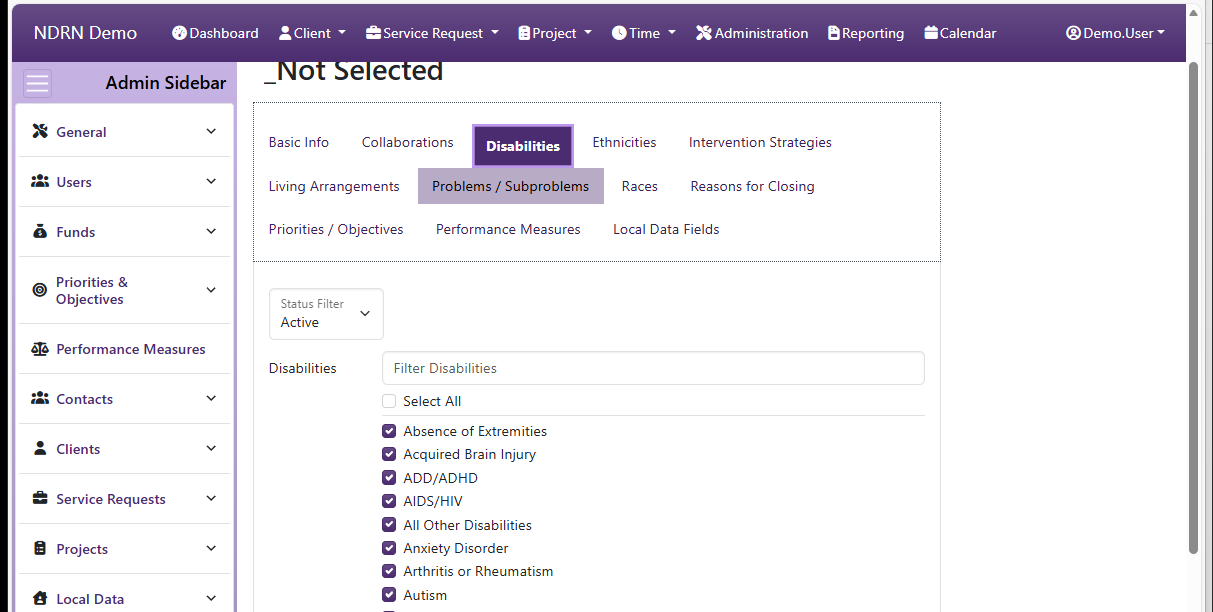
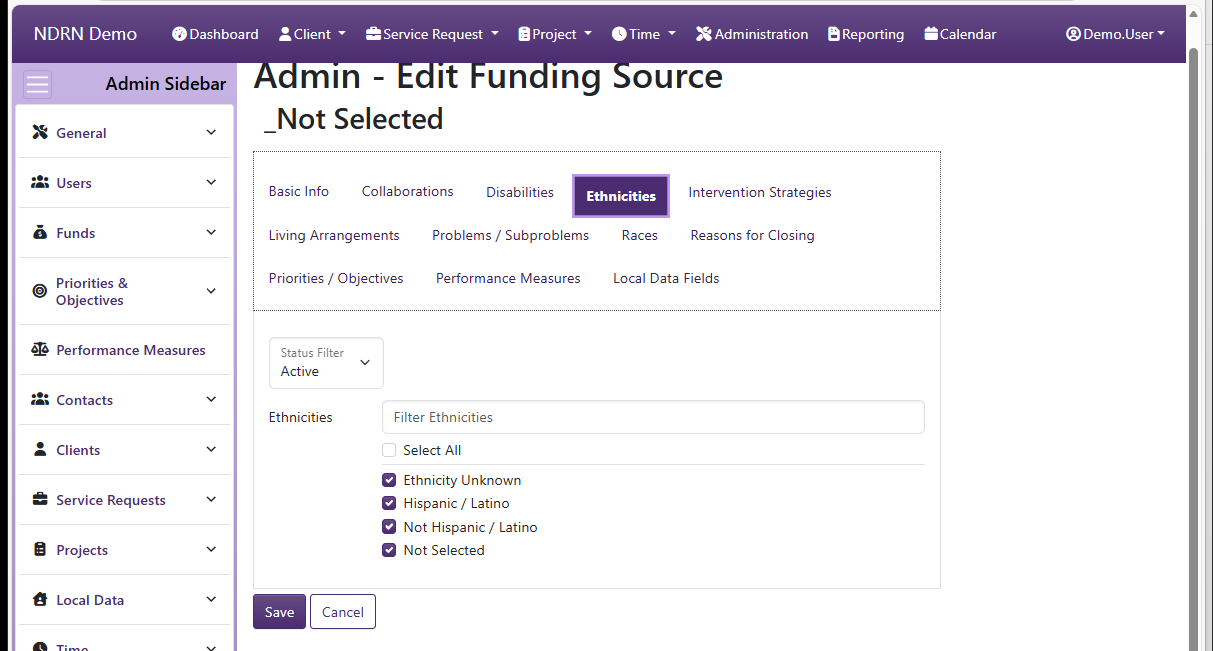
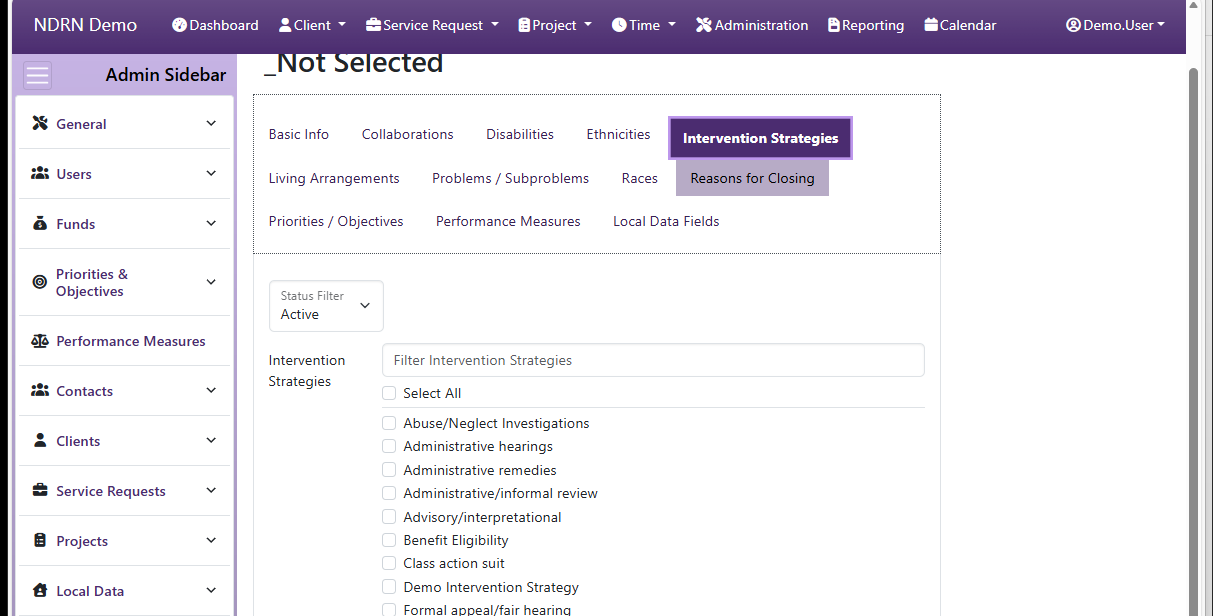
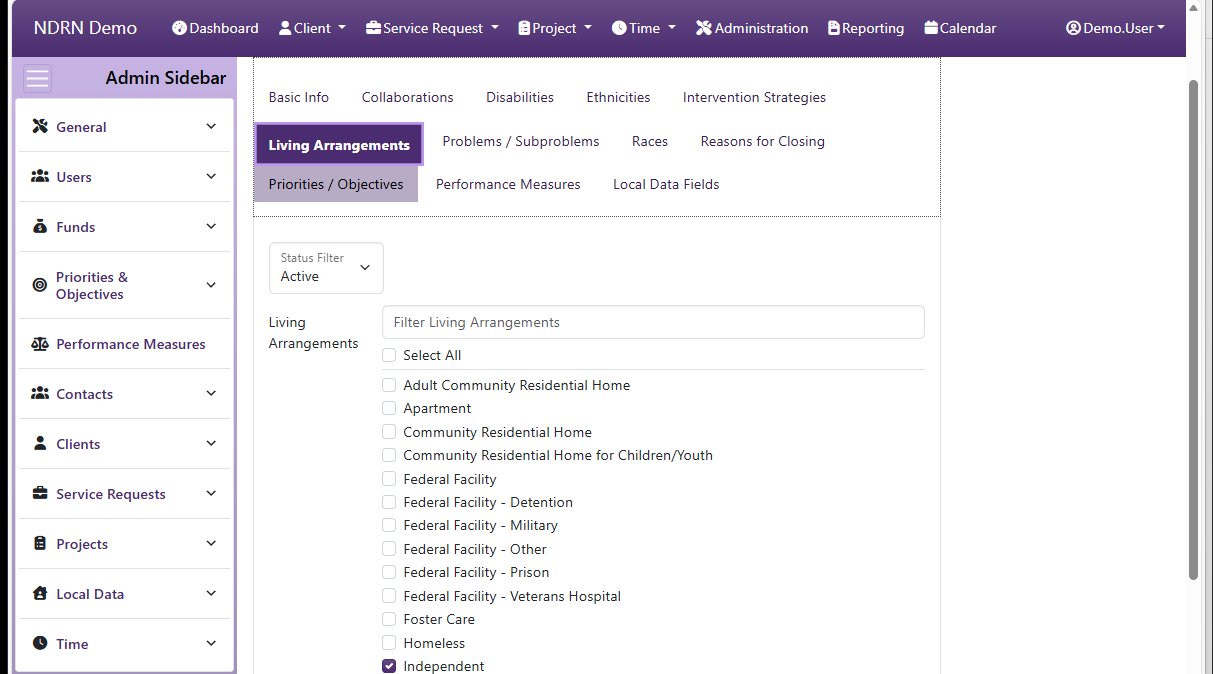
The form use to create and edit Funding Sources. The form is divided into several tabs, one for Basic Info and one for each Associated field type.
Associations between a funding source and an associated field option can be edited from this form or from the settings form for the associated field.
Basic Info Tab
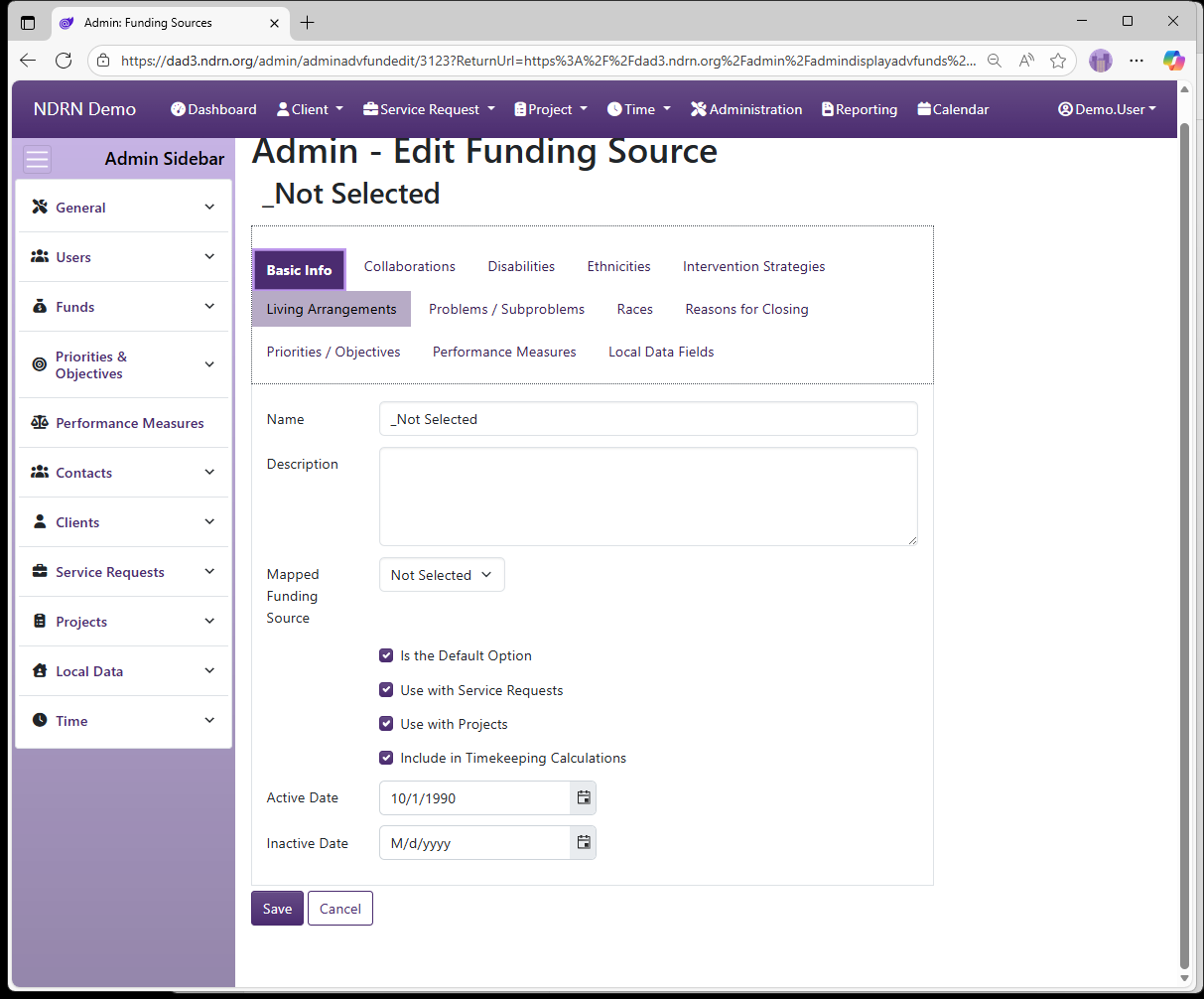
Options: Is the Default Option, Use with Service Requests, Use with Projects, Include in Timekeeping Calculations
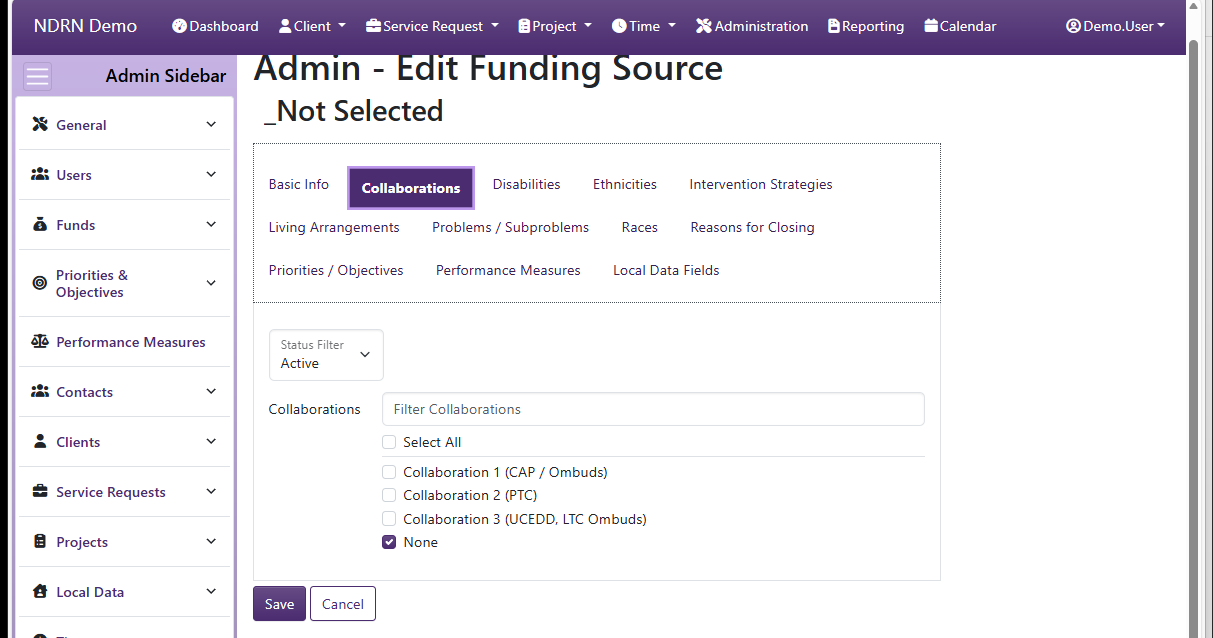
Collaborations Tab
Disabilities Tab
Ethnicities Tab
Intervention Strategies Tab
Living Arrangements Tab
Problems & Subproblems Tab
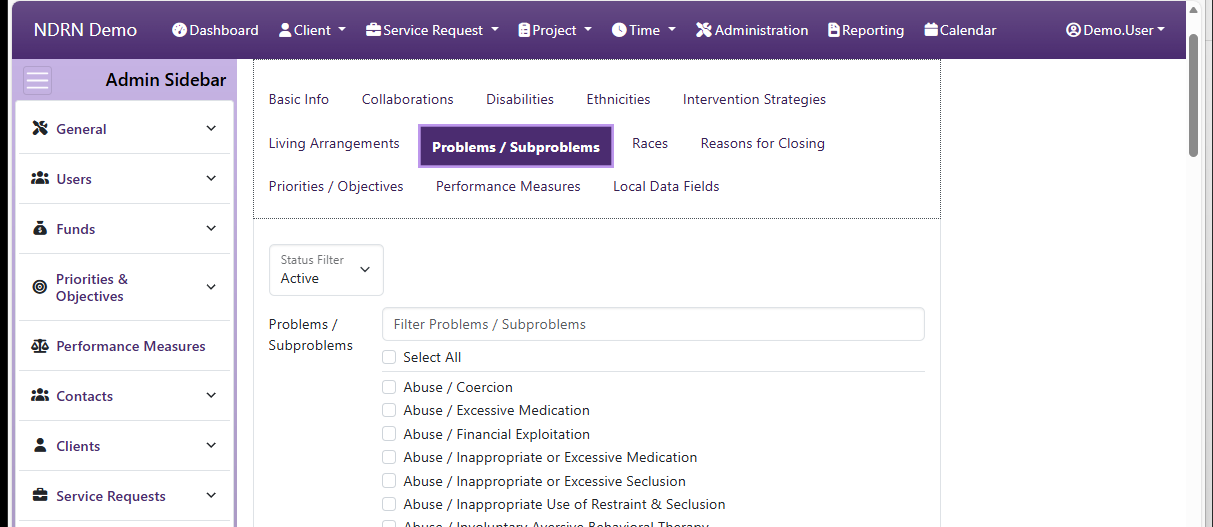
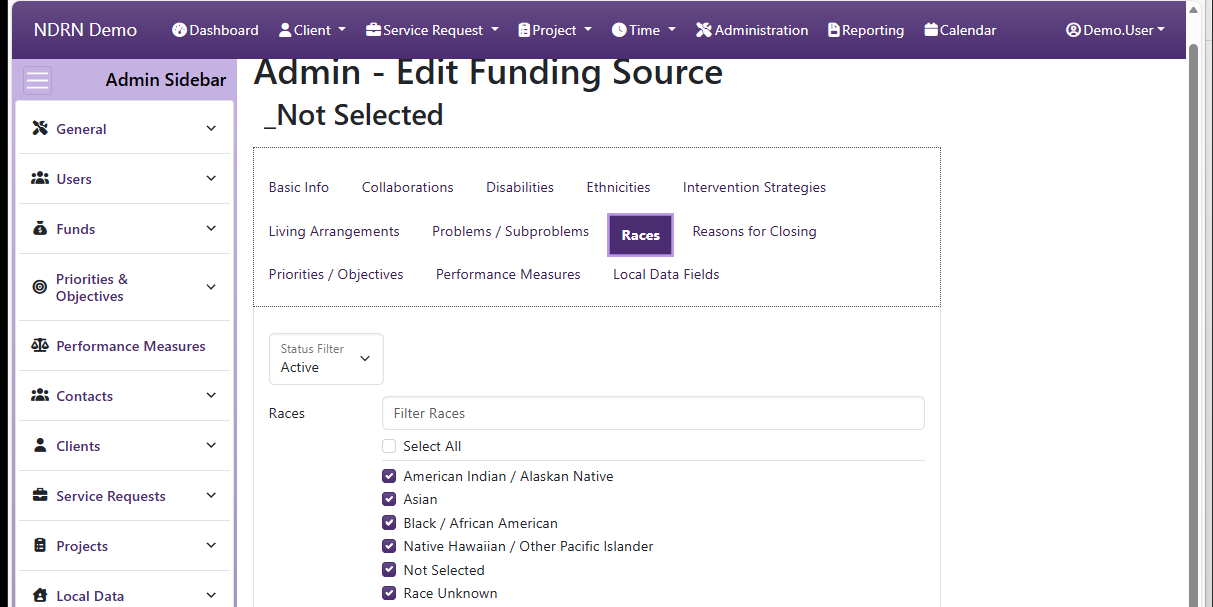
Races Tab
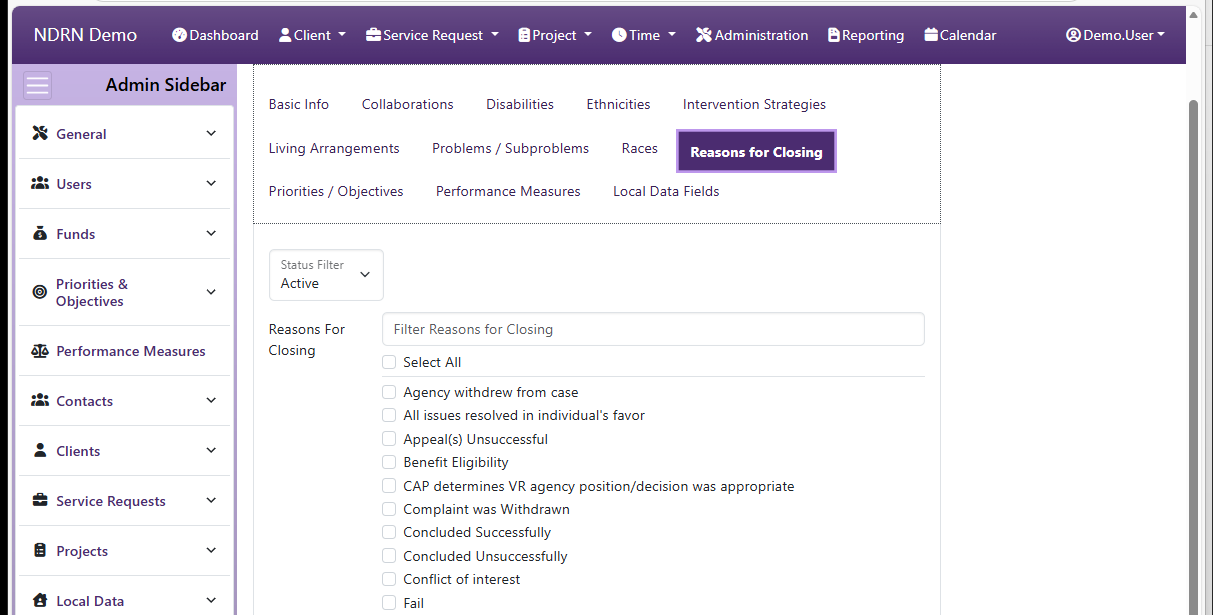
Reasons for Closing Tab
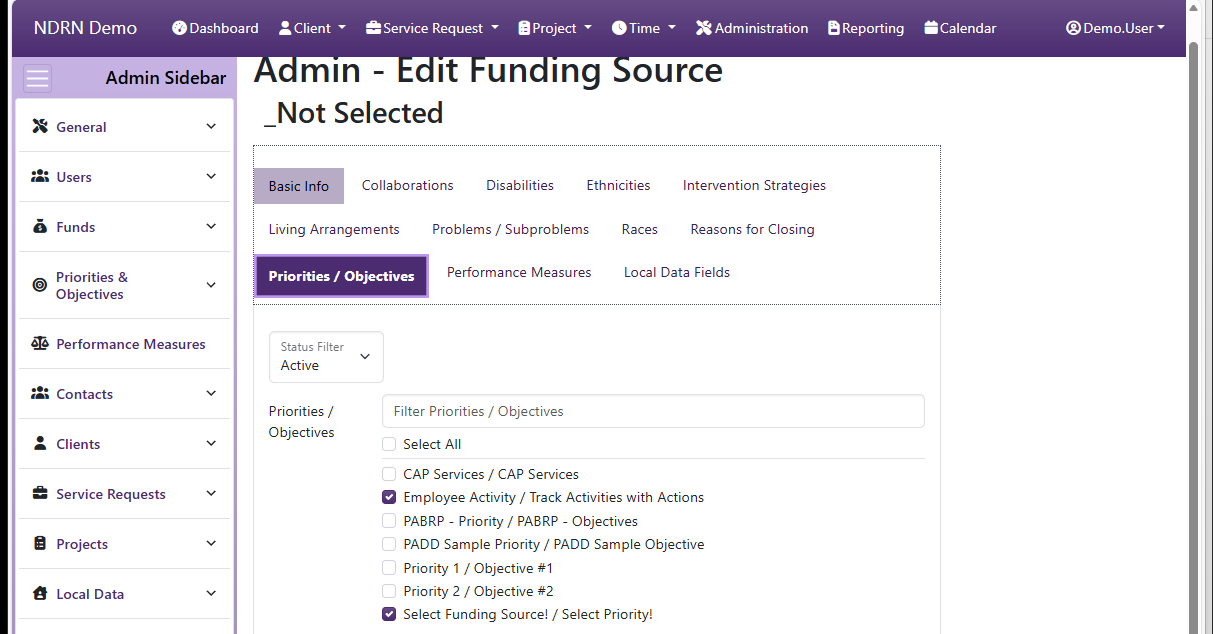
Priorities & Objectives Tab
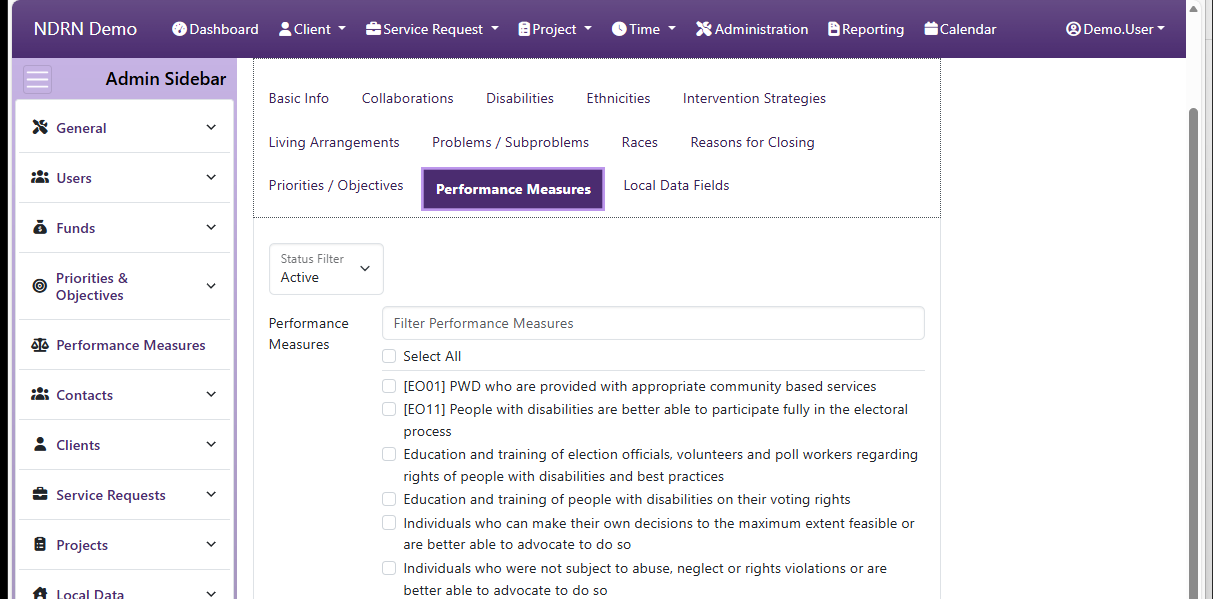
Performance Measures Tab
Local Data Fields Tab